JOBFINDERIQ / YOUR POSSIBILITIES
Create a CV that shows what you can do
Bring your experience into a CV you can stand behind. Start with notes, review the draft and make the wording yours. When you are ready, approve and download it.
No account needed · Swedish and English
How it works
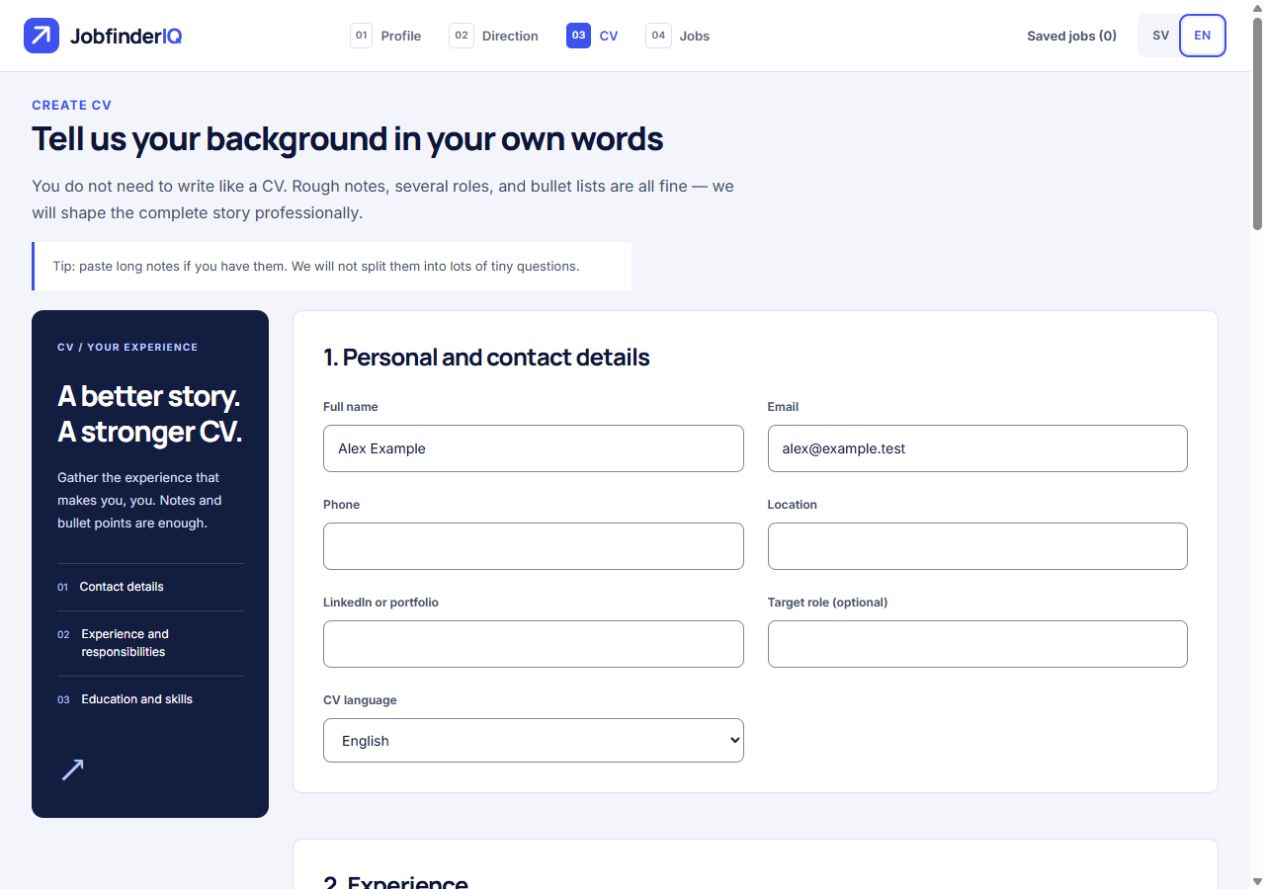
Gather what you have done
Add experience, education and skills. Several roles, bullet lists and rough notes are welcome.
Clarify and review
Answer relevant follow-up questions or create a draft. Check context, dates and facts. Missing information can leave the CV marked as a draft.
Edit and use
Adjust the text, approve your base CV and export PDF or DOCX. With a selected job, tailor the CV to its listing.
The wording is yours
Read and edit each section. Leave the text field after editing so that the change is saved to the draft.
The facts should be yours too
New wording is not a new credential. Check responsibilities, tools, titles and results before using the document.
Prepare your next application
Tailoring uses your CV and a selected vacancy. Download and review the file before continuing to the employer.
FICTIONAL EXAMPLE
See what that could look like
This illustrates the approach. It is not a real user profile, vacancy or guaranteed outcome.
- Source
- Answered customer emails, followed up orders and documented cases in a CRM.
- Clearer CV wording
- Handled customer enquiries by email, followed up orders and documented cases in a CRM.
- Your review
- The same responsibilities, with no added sales figures or leadership claims.