HOW JOBFINDERIQ WORKS
From your background to your next step.
A connected journey from your experience to opportunities worth exploring. Review your profile, choose a direction and prepare your application.
Your path through the service
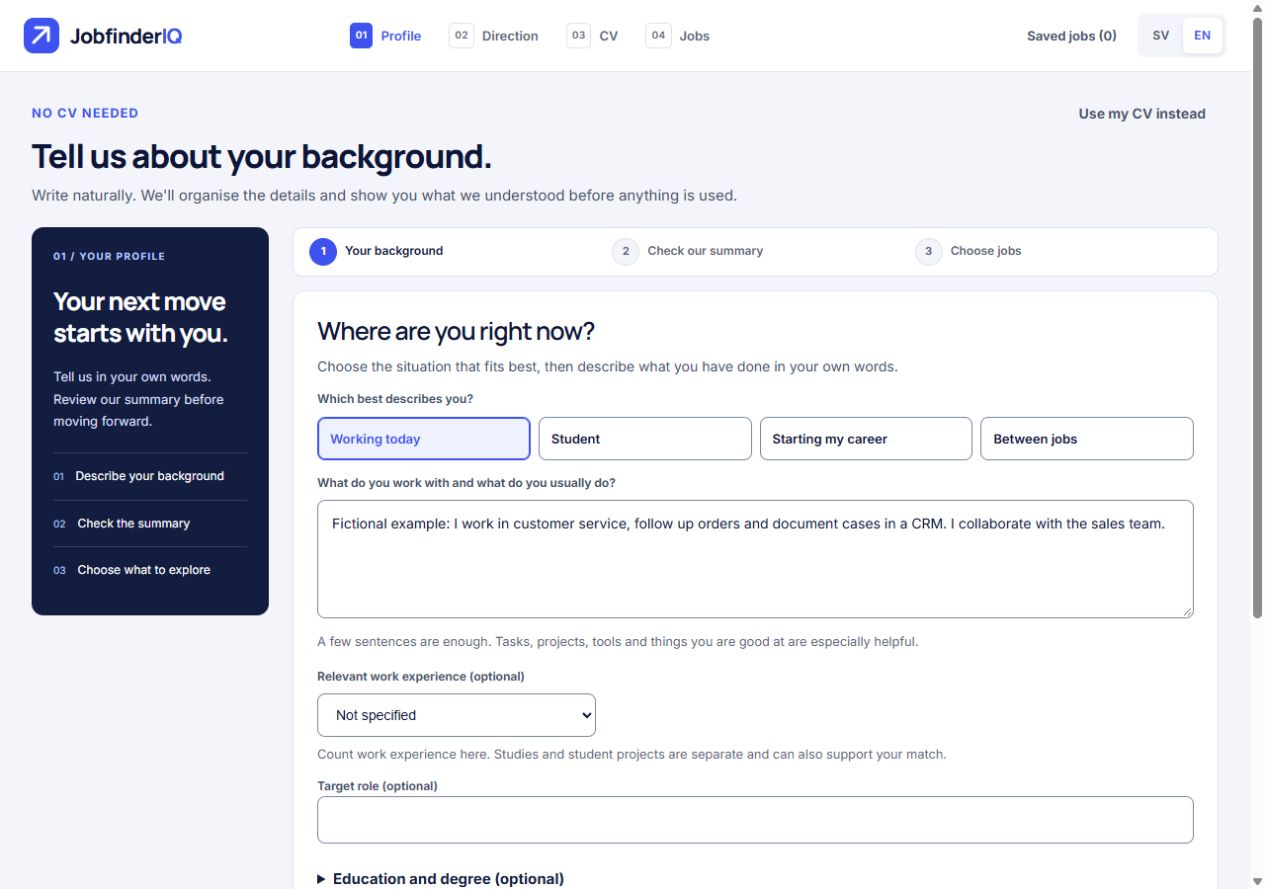
Start with your background
Have a CV? Upload PDF, DOCX or TXT directly. Otherwise choose Create a profile without a CV and describe responsibilities, education or projects in your own words.
Review your profile
Check the summary and skills. In manual onboarding you confirm the information before continuing. Education and projects should retain their actual context.
Choose directions and preferences
Explore suggested career directions and choose what to investigate. Set preferences including location and working arrangements.
Discover and save jobs
Open job details and save interesting listings. Change search lets you adjust preferences. Saved listing status is checked when you open them.
Prepare your CV
Create a base CV, answer follow-up questions and review the draft. Edit facts and wording. With a selected job, tailor the CV to its listing.
Continue to the employer
Download PDF or DOCX and review the file. Follow the listing’s link or email instructions. Applications are submitted to the employer, not automatically by JobfinderIQ.
Want to start by creating a CV?
Go directly to the CV intake to gather your experience. Job search and CV creation have their own steps; starting a CV does not mean a profile is already confirmed.
Create my CVSwedish and English
Choose your interface language. The employer’s vacancy text retains its original language.
Continue on the same device
Drafts stay in the tab’s session. You can opt to keep them on the device for seven days. Saved jobs remain separately until removed.
You control the content
Review your information and CV before using them. You can adjust your search and clear local drafts.